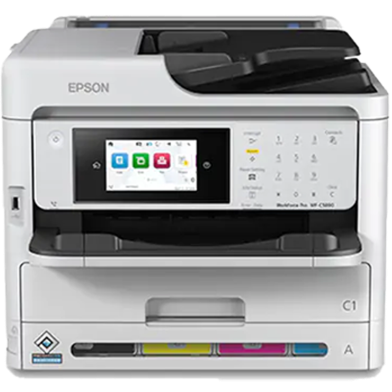
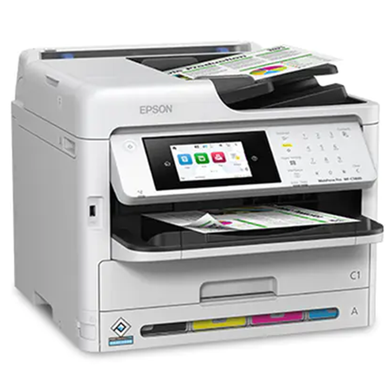
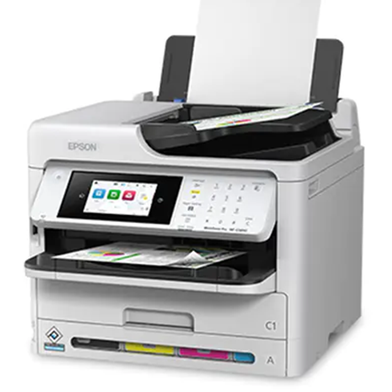
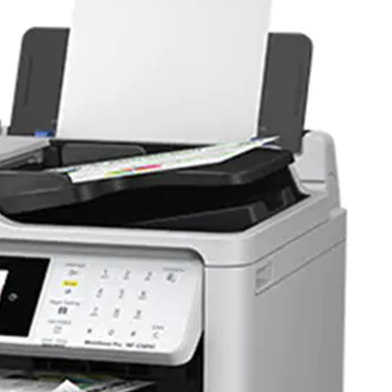
Buy Epson WorkForce Pro WF-C5890 Wi-Fi Duplex All-in-One Inkjet Printer at Best Price in Bangladesh
- Heat-Free PrecisionCore: Draws 25W during active operation and 1.1W in sleep. Keeps power usage low during frequent load shedding events.
- 10,000-Page Ink Yield: Replaceable high-capacity packs print ten thousand black pages. Reduces maintenance frequency for busy workgroups.
- Auto Duplexing: Simultaneous two-sided printing, copying, scanning, and faxing. Halves total paper consumption automatically.
- 300 gsm Media Support: Rear feed tray accepts heavy cardstock and thick media. Processes specialized office documents without internal jams.
- 5.3 Second First Page Out: Outputs the initial monochrome page in under six seconds. Eliminates wait times for small, frequent document tasks.
পণ্য বিবরণী ও স্পেসিফিকেশন
পণ্য সারসংক্ষেপ (Summary)
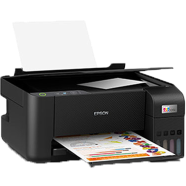
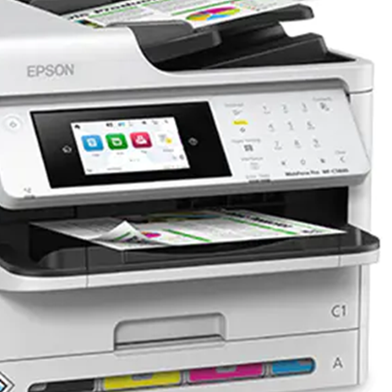
The Epson WorkForce Pro WF-C5890 operates as a PrecisionCore Heat-Free inkjet for high-volume office environments. It executes duplex printing, scanning, and faxing at 25 ISO ppm. A 75,000-page monthly duty cycle handles dense document workflows. Compared to the WF-C5790, this model increases ISO print speeds and maintains a 5.3-second first-page-out time. Key Features Heat-Free PrecisionCore: Draws 25W during active operation and 1.1W in sleep. Keeps power usage low during frequent load shedding events. 10,000-Page Ink Yield: Replaceable high-capacity packs print ten thousand black pages. Reduces maintenance frequency for busy workgroups. Auto Duplexing: Simultaneous two-sided printing, copying, scanning, and faxing. Halves total paper consumption automatically. 300 gsm Media Support: Rear feed tray accepts heavy cardstock and thick media. Processes specialized office documents without internal jams. 5.3 Second First Page Out: Outputs the initial monochrome page in under six seconds. Eliminates wait times for small, frequent document tasks. Frequently Asked Questions What is the ink yield of Epson WF-C5890? The replaceable ink packs yield up to 10,000 pages in black. This supports large print jobs without frequent cartridge swaps. How to connect Epson WF-C5890 to Wi-Fi? Access the 4.3-inch touchscreen menu to select the Wi-Fi Setup Wizard. Enter network credentials to enable wireless printing from office devices.